
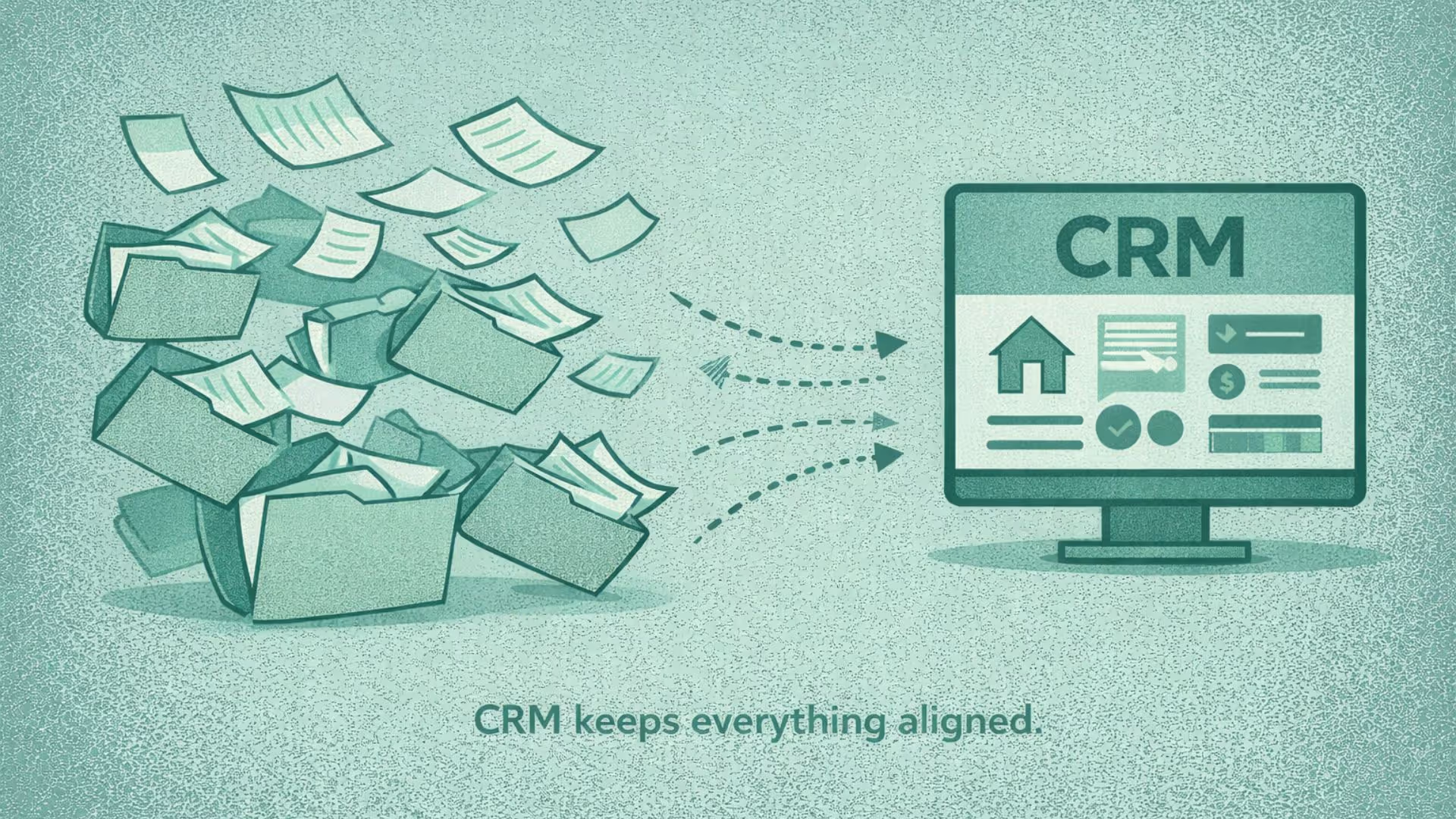


While CRMs are widely used in sales-driven industries, CRM for accountants focuses on compliance-heavy workflows, deadline management, and document-intensive client relationships.
In this blog, you will learn about its features, benefits and use cases.
CRM for accountants
Importance of account CRM software
Accounting firms manage hundreds of recurring deadlines, sensitive documents, and long-term client relationships. Relying on emails, spreadsheets, and folders increases compliance risk and client dissatisfaction.
A CRM for accountants ensures:
- No missed tax or regulatory deadlines
- Clear audit trails for every client interaction
- Structured, repeatable workflows
- Better visibility into upsell opportunities
- Complete document collection (W-2s, 1099s, etc.)
Features & benefits of an accounting CRM
Integrated compliance calendar: Tracks thousands of tax filing deadlines, quarterly estimates, and extension due dates for every client automatically, preventing costly fines and improving client trust.
A CRM can also help firms organize recurring deadlines and trigger reminders when the relevant dates and workflows have been properly configured. This reduces the chance that a task depends entirely on someone remembering to check a calendar manually.
Time tracking: Forces staff to log all time against specific clients and tasks (e.g., a phone call regarding a tax query). This captures every billable minute, eliminating "fee leakage".
Automated document requests: Automatically sends personalized reminders and requests to clients when their required documents are due, reducing the time spent chasing clients for information.
With Superleap AI CRM, you can automate these reminders and schedule them for timely delivery.
Communication log: Creates an unbreakable record of every client interaction, documenting exactly when a client was contacted, what was requested, and when documents were received - vital for defense in case of an audit.
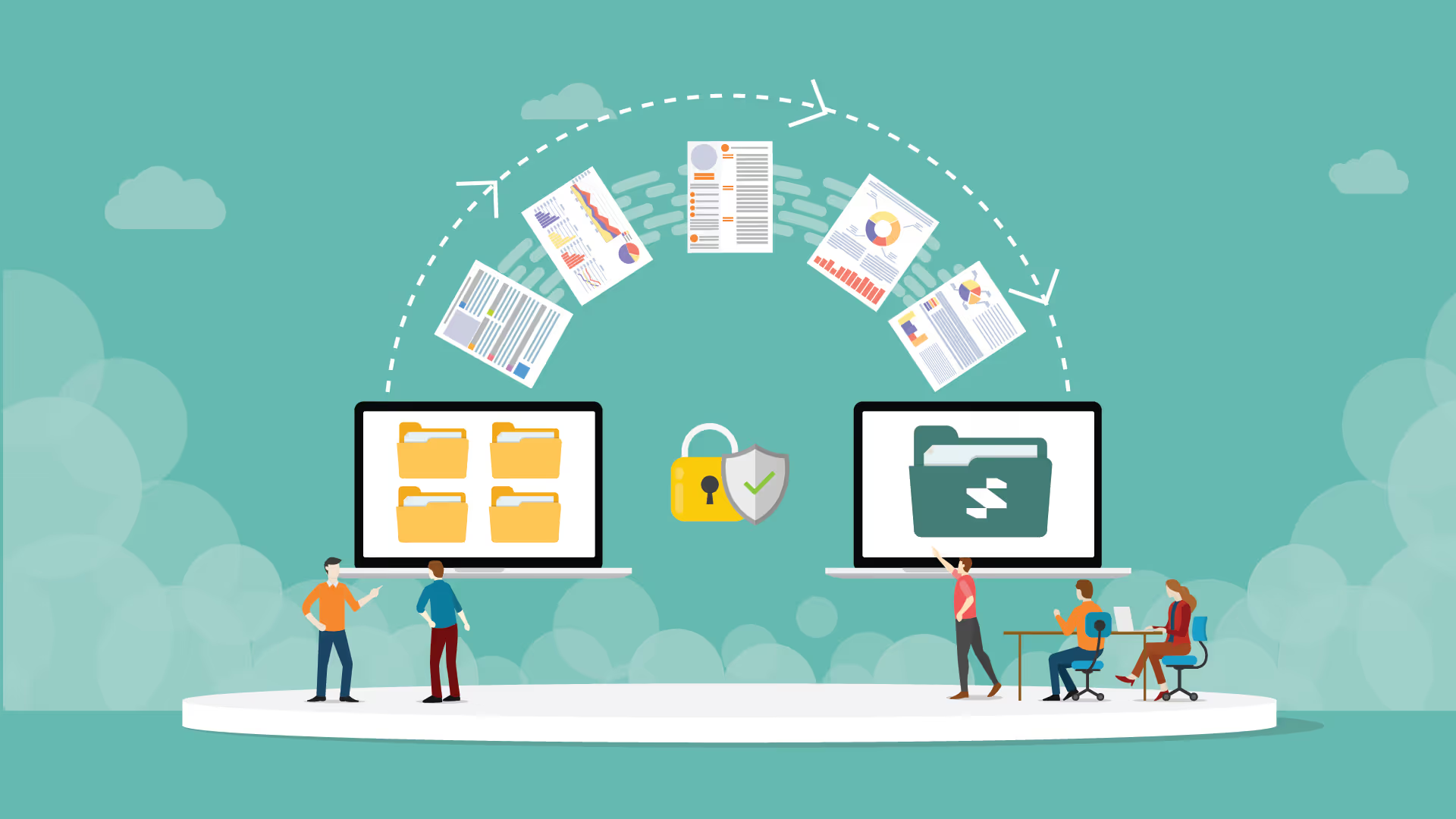
Security & compliance: Integration with secure portals for clients to upload tax documents, financial statements, and sensitive data (e.g., integration with tools like ShareFile or SmartVault).
Client segmentation: Easy filtering to identify clients based on service type (e.g., only corporate tax clients, only high-net-worth individuals) for targeted communication regarding regulatory changes.
Other CRM capabilities that matter to accounting firms
The most useful CRM features are not necessarily the ones with the longest feature list. They are the features that remove friction from the firm's actual client workflows.
Centralized client records
A CRM can bring contact details, communication history, service information, ownership, notes, and follow-up activity into one client record. This means a team member does not have to reconstruct the relationship by searching through multiple inboxes and spreadsheets.
Follow-up and task automation
A prospective client who has not responded to a proposal should not have to depend on a partner remembering to follow up. A CRM can create a task or trigger a reminder based on the stage of the relationship and the amount of time that has passed.
Client communication tracking
When multiple people interact with the same client, visibility becomes important. A shared communication history makes it easier for another team member to understand what was discussed, what was promised, and what needs to happen next.
Client segmentation
Segmentation can go beyond service type. Firms can group clients by industry, business size, lifecycle stage, engagement value, service needs, or other characteristics relevant to the firm's strategy. This makes targeted communication and advisory outreach more practical.
Reporting and relationship visibility
A CRM can help partners and practice leaders see which prospects are active, which proposals are awaiting a response, which clients have not been contacted recently, and where opportunities for additional services may exist.
Who should use an accounting CRM?
- Tax advisory and compliance firms
- CA and CPA practices
- Firms managing recurring filings and renewals
- Accounting teams handling high document volumes
An accounting CRM can be particularly useful when the firm has multiple people managing client relationships, a growing client base, recurring service engagements, or a structured approach to winning and retaining clients.
A small practice with a handful of clients and highly personal relationships may not need a sophisticated CRM immediately. The stronger signal is not firm size alone; it is whether client follow-ups, communication, onboarding, or relationship history are becoming difficult to manage manually.
Use cases of an accounting CRM
Tax Season Onboarding: Automatically trigger a ‘Tax Prep’ workflow the moment a client signs a renewal, including an automated checklist of required documents (W-2s, 1099s).
Proactive Advisory Services: Use client segmentation to identify all ‘Small Business’ clients and send a bulk - yet personalized - update regarding a new tax law change that affects them.
Audit Preparedness: Instantly pull up a complete communication log and document trail from three years ago to prove due diligence during a regulatory audit.
How to choose the right CRM software for accounting firms
Ask these questions before you decide on your CRM for accountants:
- Does it integrate with your existing tool stack? (e.g., QuickBooks, Xero, or specialized tax software).
- Does it meet the necessary security standards? (SOC 2 compliance and end-to-end encryption).
- Is the interface easy to navigate and user friendly?
Using a CRM software for accounting firms is about precision, compliance, and trust. It is meant to help businesses meet deadlines, protect client data, and deliver reliable service at scale.


.avif)
%201%20(1).svg)
.svg)
.svg)
.svg)
.svg)