
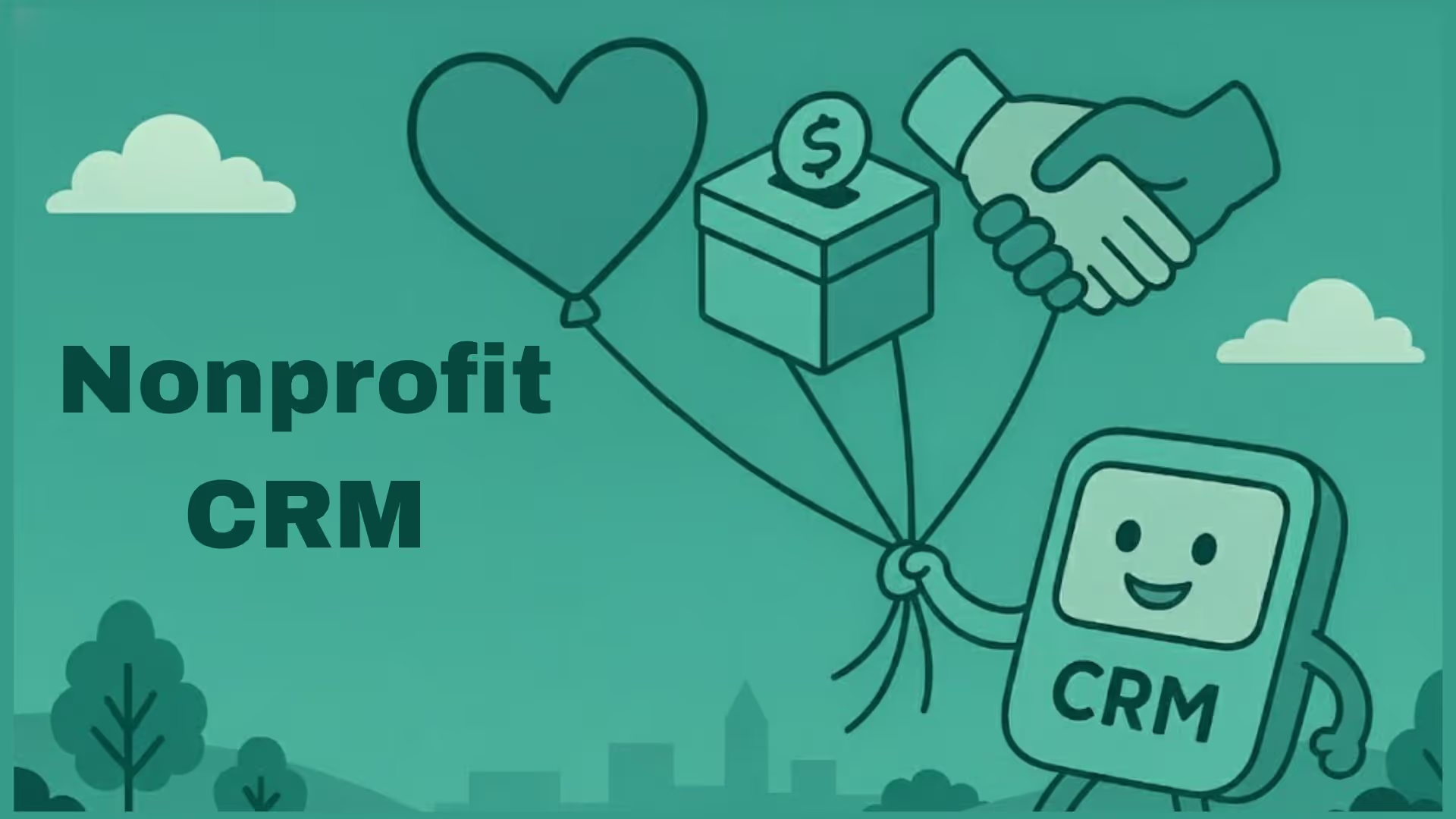


Non profit organizations juggle a variety of relationships with donors, volunteers, partners, and program participants.
But a nonprofit CRM is more than a database for storing donor information. It can connect the different interactions an organization has with its supporters, volunteers, members, funders, and other constituents, giving teams a shared view of each relationship.
The right CRM depends on what the organization actually needs to manage. A donor-focused nonprofit may prioritize giving history and fundraising workflows, while a grant-funded organization may need funder management, deadlines, reporting, and program-related information.
According to a report by Market Mind Partners, the market size of the global NGO and charitable fund was evaluated to be $313.29 billion in 2024 and expected to touch $331.66 billion by 2033, at a 5.9% CAGR. With this rate, to maximize your impact and keep the mission running smoothly, implementing a modern AI powered CRM is a non-negotiable.
This guide explains what nonprofit CRM software does, why nonprofits use it, the features and use cases that matter, how much it can cost, and how to choose a CRM based on your organization's needs.
What is a CRM for nonprofits?
In nonprofit CRM, the term “constituent” is broader than “customer.” A constituent can be a donor, volunteer, member, beneficiary, funder, partner, or another person or organization that has a relationship with the nonprofit.
Instead of maintaining separate records for every interaction, a CRM can bring information such as contact details, giving history, communications, activities, notes, and follow-ups into a shared record.
Their focus is on relationship longevity, donor retention, impact reporting, and operational transparency rather than transactional revenue alone.
Why every nonprofit needs a CRM system?
Here is a list of challenges nonprofits face and how a CRM will help resolve it.
For example, imagine a donor who gave ₹10,000 last year but has not interacted with the organization since. If the giving history, communication history, and follow-up activity are stored separately, that relationship can easily be overlooked. With connected constituent data, the organization can identify the gap and decide whether a re-engagement action is appropriate.
Similarly, a volunteer who signs up for three events may later become a donor. A connected CRM can give the team visibility into that broader relationship instead of treating the volunteer record and donor record as completely unrelated activities.
Superleap AI CRM helps nonprofits automate follow-ups, centralize communication across channels, and generate real-time dashboards that can be shared with funders and board members.
What actually breaks when nonprofits don’t use a CRM?
In practice, nonprofits that rely on spreadsheets, email inboxes, or disconnected tools face operational failures - more so noticeable as they scale.
Common breakdowns seen on the ground:
- Duplicate donor records leading to repeated or missed communications
- Lapsed donors going unnoticed for months
- Grant deadlines missed because ownership is unclear
- Impact data scattered across teams, making reporting slow and error-prone
- Board members questioning numbers because “the source of truth” is unclear
What can a nonprofit CRM be used for?
A nonprofit CRM software can support several different workflows depending on the organization's model, funding structure, and programs.
Donor management
A CRM can maintain donor profiles, giving history, communication records, preferences, notes, and engagement activity. This gives fundraising teams a clearer picture of the relationship rather than looking at individual donations in isolation.
Fundraising
Fundraising teams can use CRM data to manage campaigns, appeals, pledges, recurring donations, donor segments, and follow-up activities.
Volunteer management
A nonprofit CRM can store volunteer information, availability, event participation, hours, and communication history. This can make it easier to coordinate volunteers without maintaining separate spreadsheets for every event.
Grant management
For grant-funded organizations, a CRM can help organize funder relationships, grant opportunities, deadlines, owners, application status, and follow-up requirements.
Event management
Events can create several types of constituent interactions at once. A CRM can connect registrations, attendance, communications, donations, and follow-up activities to the relevant people or organizations.
Membership management
Membership-based organizations can use CRM data to manage membership status, renewals, engagement, events, and communications.
Impact reporting
A CRM can help bring relationship and activity data together so teams can create reports for internal leadership, boards, funders, or other stakeholders. The exact reporting capabilities depend on the CRM and the organization's data structure.
What features to look for in a CRM for nonprofits?
Constituent data management: Centralized profiles that bring together contact information, interactions, donations, memberships, volunteer activity, and other relationship data.
Automation and workflow management: Automated reminders, follow-ups, task assignments, recurring communications, and workflows for routine processes.
Communication tools and integrations: Email, SMS, forms, website integrations, payment gateways, and other tools that help teams manage constituent interactions from connected systems.
Segmentation and personalization: Flexible audience segments based on giving history, engagement, membership, interests, location, or other relevant attributes.
Reporting and dashboards: Custom reports and dashboards for metrics such as donor retention, average gift size, campaign performance, volunteer engagement, and program activity.
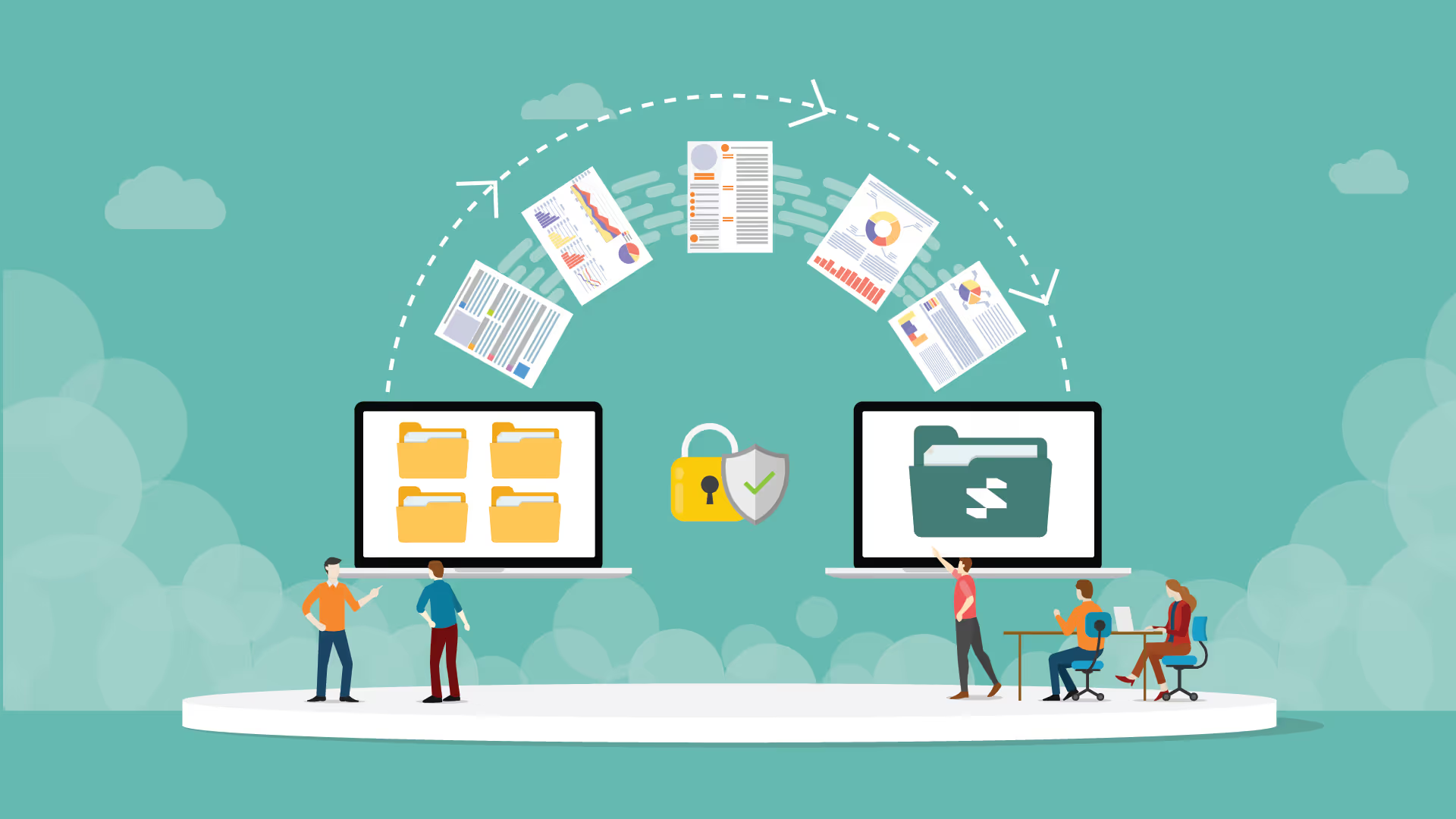
Data quality and security: Deduplication, data validation, audit trails, role-based access, permissions, backups, and appropriate security controls.
Integrations and data portability: APIs or native integrations that connect the CRM with fundraising, accounting, marketing, event, and other nonprofit systems.
How to implement a nonprofit CRM
Choosing a CRM is only the beginning. Implementation determines whether the organization actually gets value from it.
1. Define the objective
Decide what the CRM needs to improve first. Avoid trying to redesign every workflow at the same time.
2. Clean existing data
Remove duplicate records, standardize fields, identify outdated information, and decide which historical records actually need to be migrated.
3. Design the data structure
Define the information the team needs to capture for donors, volunteers, members, funders, programs, or other constituents.
4. Configure workflows
Set up the reminders, assignments, notifications, follow-ups, and reporting processes that the team will use regularly.
5. Connect integrations
Connect the payment, accounting, email, website, event, or other systems that need to exchange information with the CRM.
6. Train the team
Training should focus on the actual workflows employees perform rather than simply explaining where different buttons are located.
7. Launch and monitor adoption
Track whether staff are entering information consistently, whether workflows are reducing manual work, and whether reports are becoming easier to produce.
How much does nonprofit CRM software cost?
Nonprofit CRM pricing can vary significantly depending on the vendor, number of users or constituents, functionality, integrations, and implementation requirements.
Common pricing models include:
- Per-user subscriptions
- Per-contact or constituent pricing
- Organization-wide plans
- Feature or module-based pricing
- Free or limited free plans
- Discounted nonprofit plans
The subscription fee is also not necessarily the full cost of adopting a CRM. Organizations may need to account for data migration, implementation, integrations, training, additional modules, support, and ongoing administration.
When comparing CRM costs, nonprofits should therefore look at total cost of ownership rather than comparing subscription prices alone.
CRM for NGOs vs charities: Is there a difference?
Relationship focus: Charity CRMs prioritize individual donor stewardship; NGO CRMs focus on complex stakeholder, partner, and institutional funder management.
Funding mechanics: Charities require high-volume tools for recurring donations; NGOs need advanced grant lifecycle tracking for restricted, multi-year institutional funds.
Compliance & scale: Charities manage local tax-deductible receipting; NGOs handle multi-currency accounting and international regulatory compliance (e.g., IATI standards).
Database structure: Charity systems are typically "constituent-centric" (donor-focused); NGO systems are often "program-centric" (focused on field projects and humanitarian outcomes).
Nonprofit CRM vs donor management software
Donor management software and nonprofit CRM software overlap, but they are not necessarily the same thing.
Donor management tools are generally centered on fundraising relationships and giving activity. A broader nonprofit CRM may connect donor information with volunteers, members, funders, programs, communications, events, and other constituent activity.
How to choose the best CRM for nonprofits?
Before selecting any CRM for non-profits, ask:
- Are you donor-driven, grant-driven, or program-driven?
- Do you need fundraising-first or operations-first CRM architecture?
- Does it support donations + volunteers + grants, not just contacts?
- Can non-technical teams use it easily?
- Does it integrate with accounting and payment systems?
- Can it scale with donor and program growth?
- Does it support reporting for funders and boards?
- Does it improve transparency and trust?
If you’re exploring a modern, AI-powered CRM built to support growing nonprofit operations, Superleap is one option worth evaluating.


.avif)
%201%20(1).svg)
.svg)
.svg)
.svg)
.svg)